How your personal safety improves
with People Protect People app
Situation
Without
the app
With
the app
When something feels wrong
Hesitating whether it’s serious enough to act
One tap sends an SOS. No justification needed
Who is aware
People nearby have no idea what’s happening
People within 5 km are notified instantly
Speed of response
You rely on chance, bystanders, or distant contacts
Nearby users can act immediately
Knowing if help is coming
No feedback, no visibility, rising anxiety
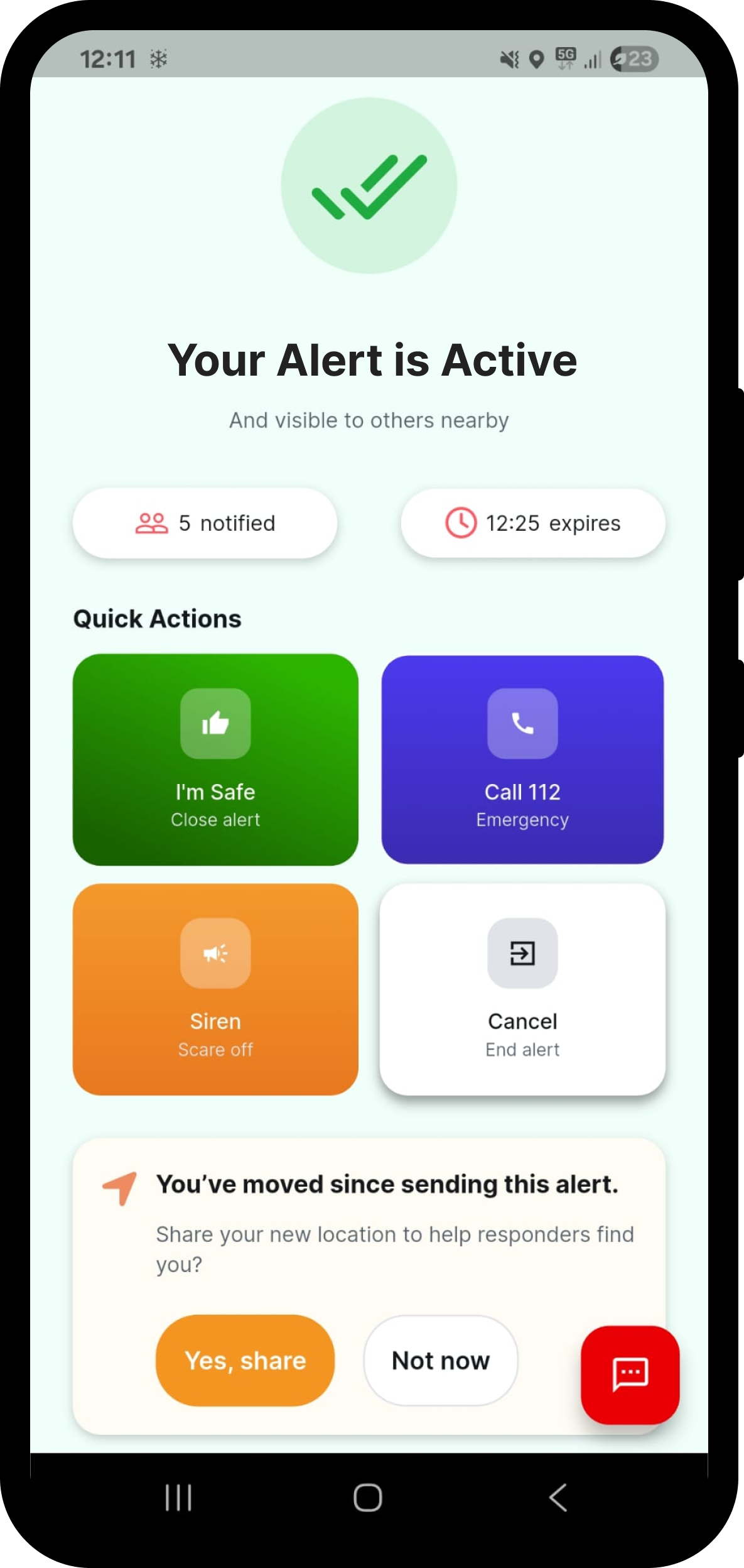
Live counters show how many people are responding
Types of help
Usually limited to calling emergency services
Call emergency services, go en route, or observe
Comms
No shared place to coordinate
Alert-based group chat
Emotional state
Isolation, uncertainty, fear
Reassurance through visible support
Situation update
No clear closure
Automatic and clear
What you can do in the app
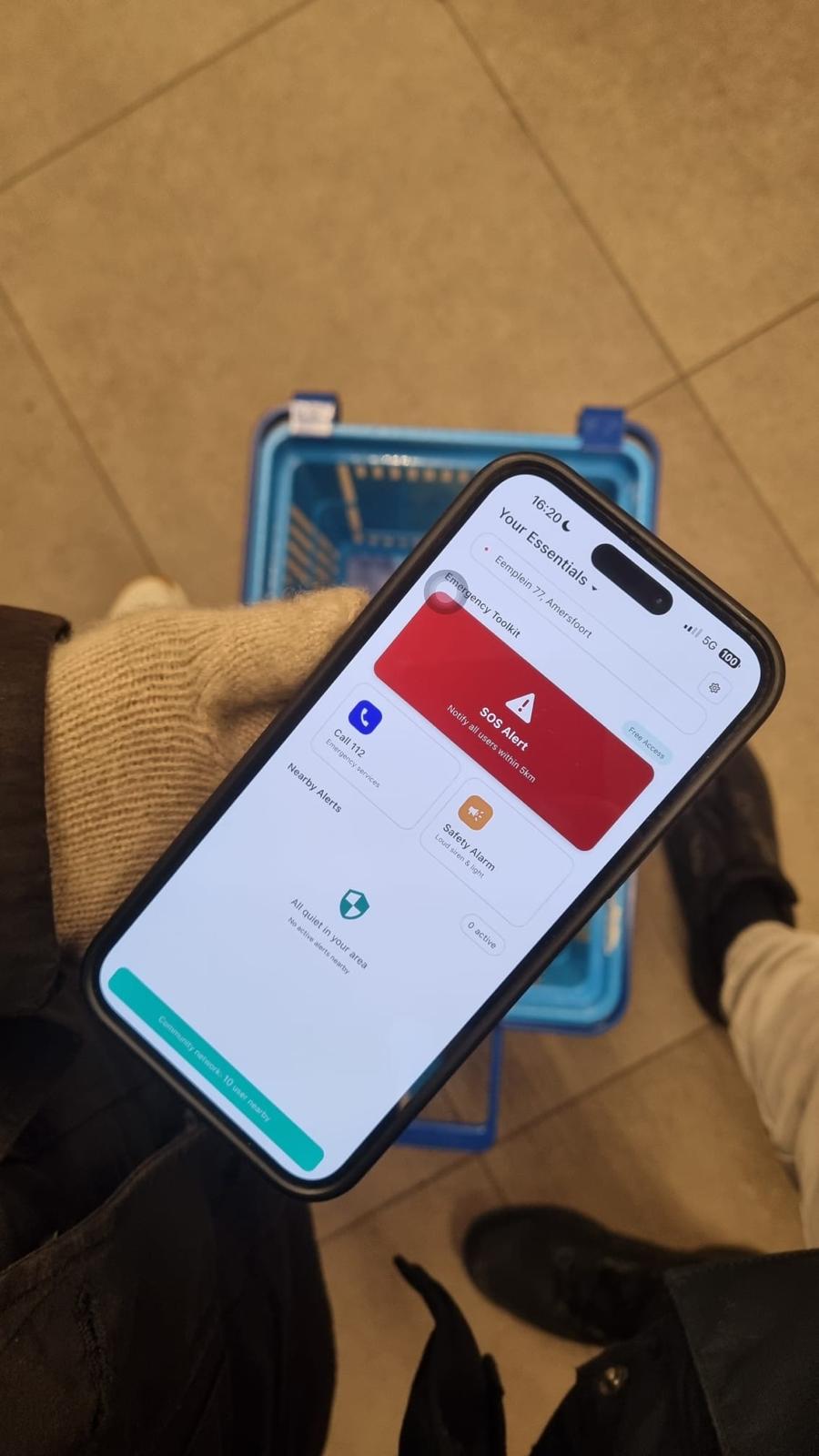
Alert people nearby
People within 5 km instantly know you need help
See support forming
Live numbers show how many people are responding
Stay connected
Communicate safely with people who want to help
Stay in control
Update or end your alert whenever you feel safe
Know what’s happening nearby
See alerts close to your location
Decide how you can help
Call emergency services, go en-route, or observing safely
Act with context
See where the alert is and how others are responding
Coordinate safely
Share information if needed, without pressure.
Why PPP is the best personal safety app for you
Practical features made for real-life situations.
.png)
Quick & easy setup
All you need is the app, internet, and phone number.
.png)
Send alerts in just a few taps
Made for moments when focus and time are limited.
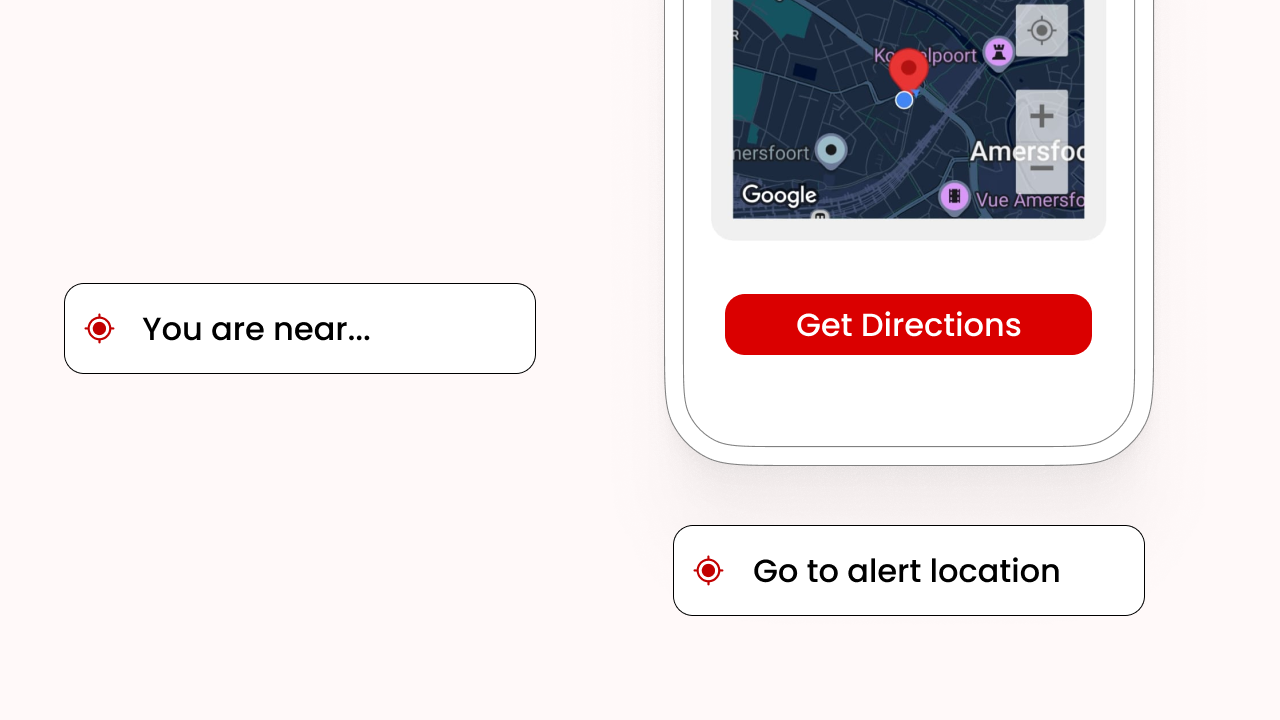
Know where you are
See your nearby location instantly, even under stress.
.png)
Strength in numbers
See how many people nearby are aware and ready to respond.
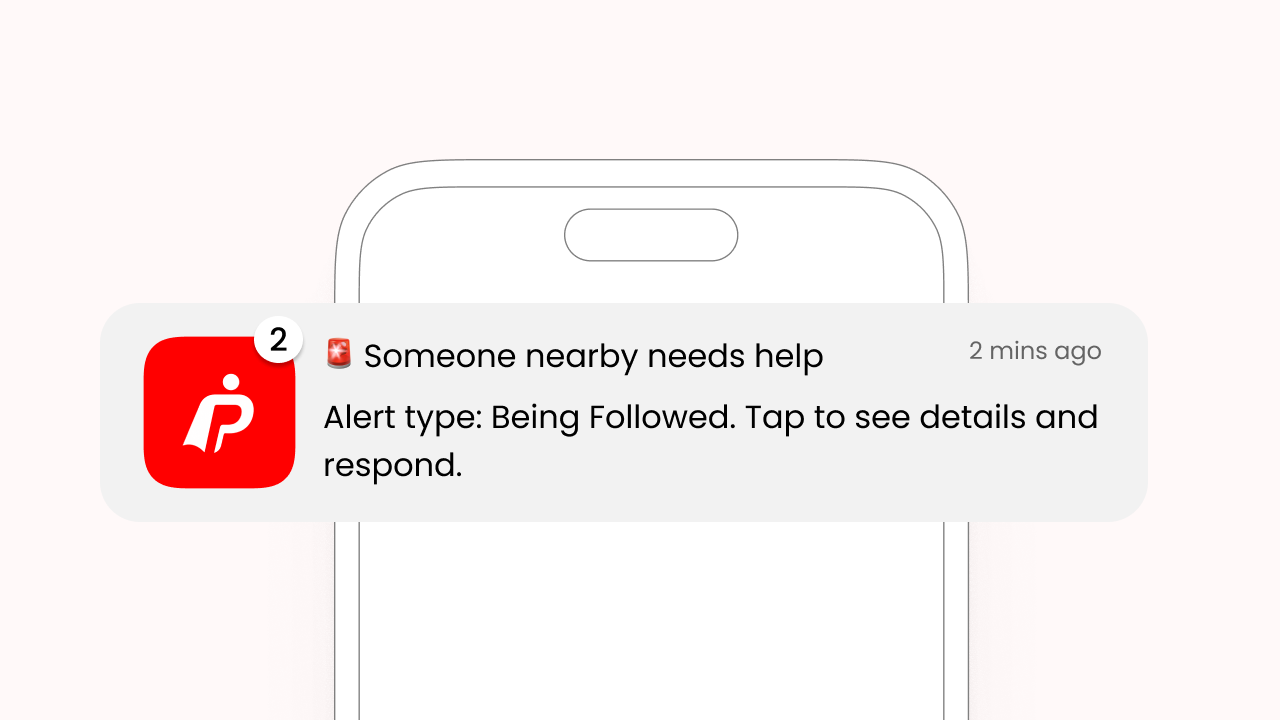
Stay informed
Receive alert updates inside the app and via notifications.
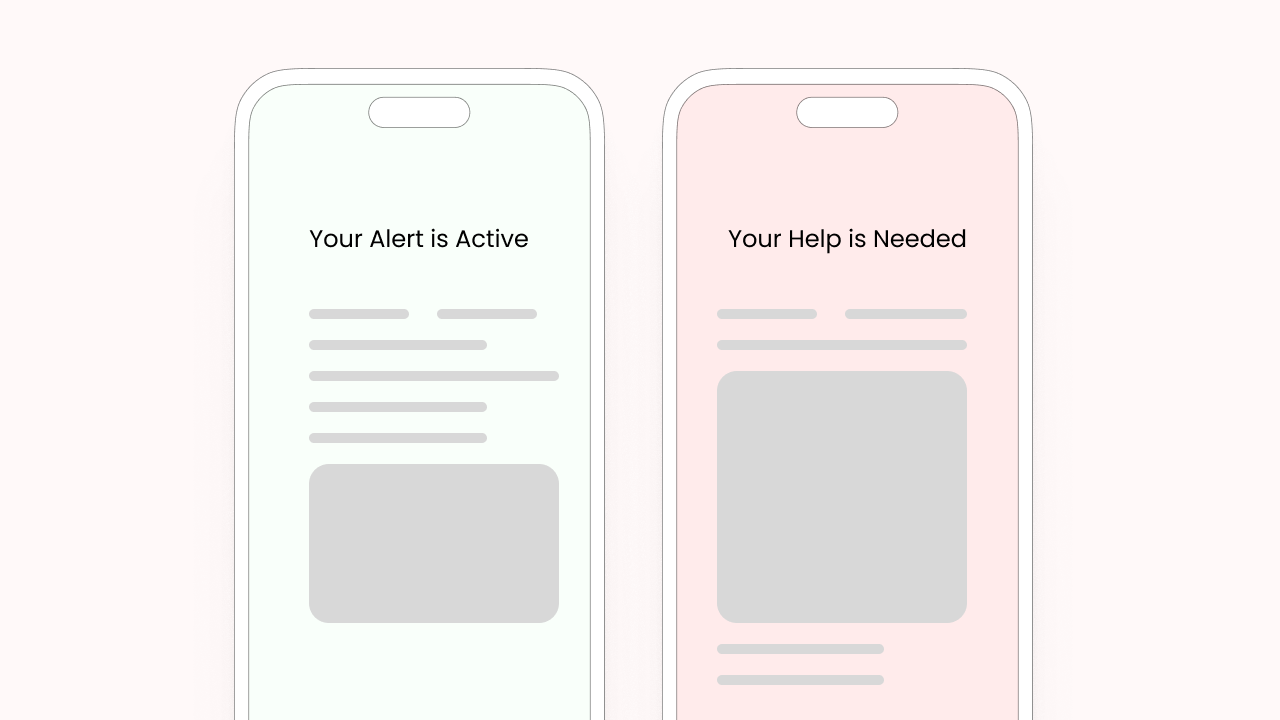
Everything in one view
All important alert details shown clearly on a single screen.
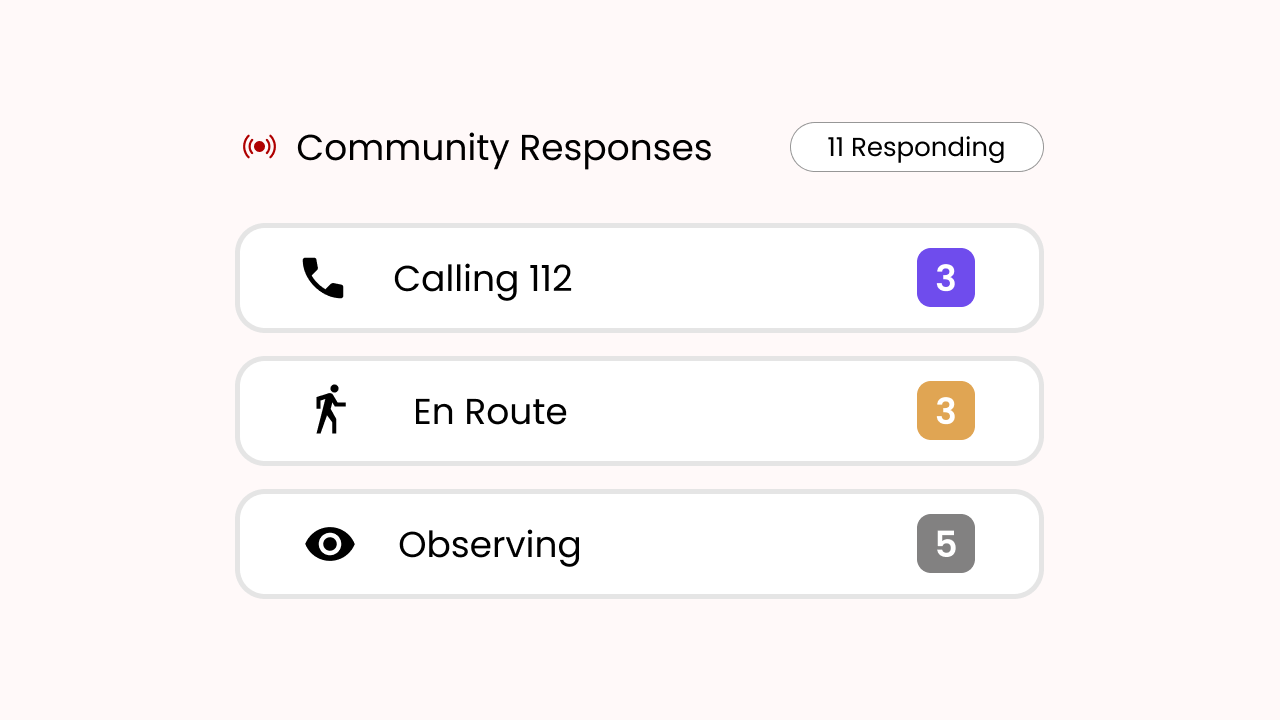
Live help counts
See how many people are helping and what they’re doing.
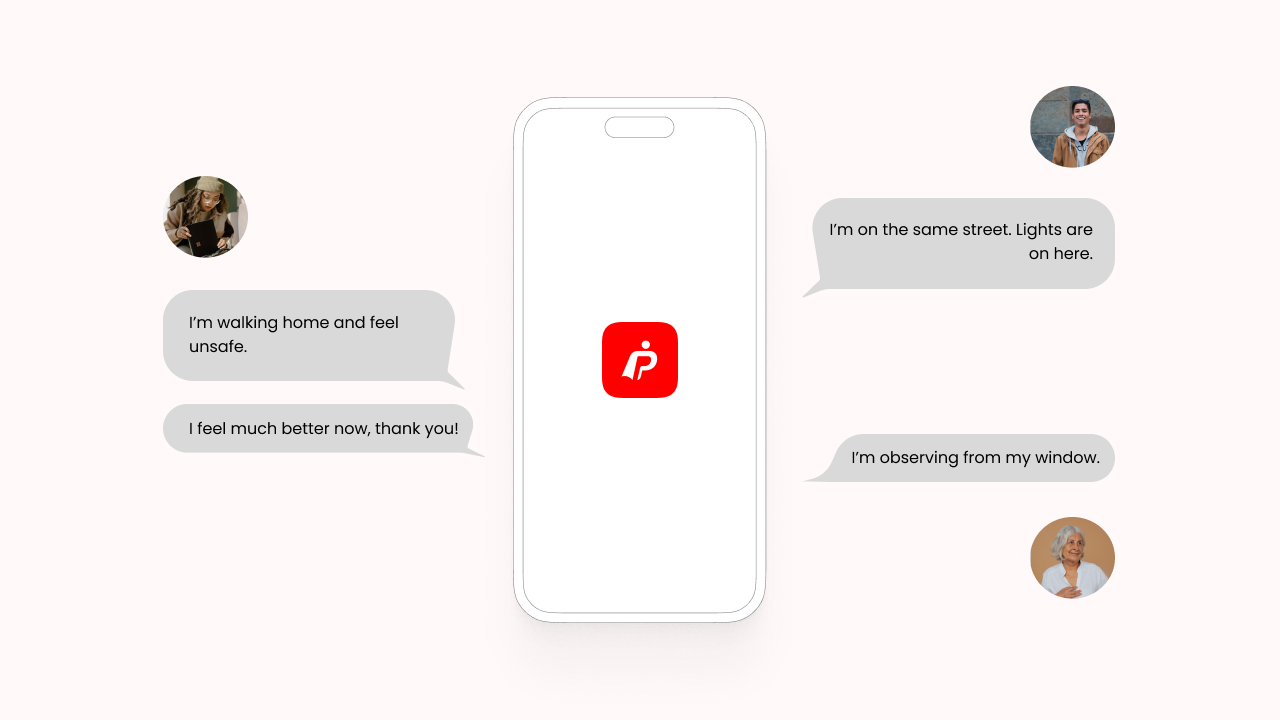
In-app group chat
Each alert has a dedicated group chat for safe coordination.
Use the app with peace of mind
Strong boundaries and smart safeguards, working quietly in the background.
Verified phone
sign-In
Secure data handling
Auto-generated profile
Automated
anti-abuse system
Transparent
chat room
Report
suspicious alerts
Scheduled
data removal
Why People Protect People Exists
In August 2025, I was grocery shopping alone when I noticed a man behind me. At first it felt subtle, but as I moved through the store, a pattern emerged. Whenever I stopped, he stopped. When I changed aisles, he followed. Always just far enough away to blend in.
Nothing overt happened. He wasn’t aggressive. But his behavior felt off, and it didn’t look like he was shopping either. It wasn’t enough to call it an emergency, yet it was enough that I didn’t feel comfortable ignoring it.
I texted my boyfriend and asked him to pick me up. When he arrived, we stayed at a distance and watched for a few minutes. The pattern continued as the man moved back and forth near other women in the store.
That’s when we decided to inform the police. Not to accuse him, but because awareness can prevent harm, and early attention can stop something worse from happening.
Afterward, the experience stayed with me. I realized how isolating that moment was: being alert and concerned, yet unsure what the right action was. I was lucky someone could come quickly. But what if you’re alone? What if it’s late at night, or help is far away? And even when authorities are informed, there’s still a gap between noticing something and help arriving.
I decided to build a solution for that gap.
People Protect People was built for the space where something doesn’t need to be an emergency yet, but it does need awareness, presence, and people nearby who care. Because sometimes, prevention is simply not being alone with your concern.

Lisa
Founder of People Protect People
.png)
.svg)







.png)
.png)



.png)